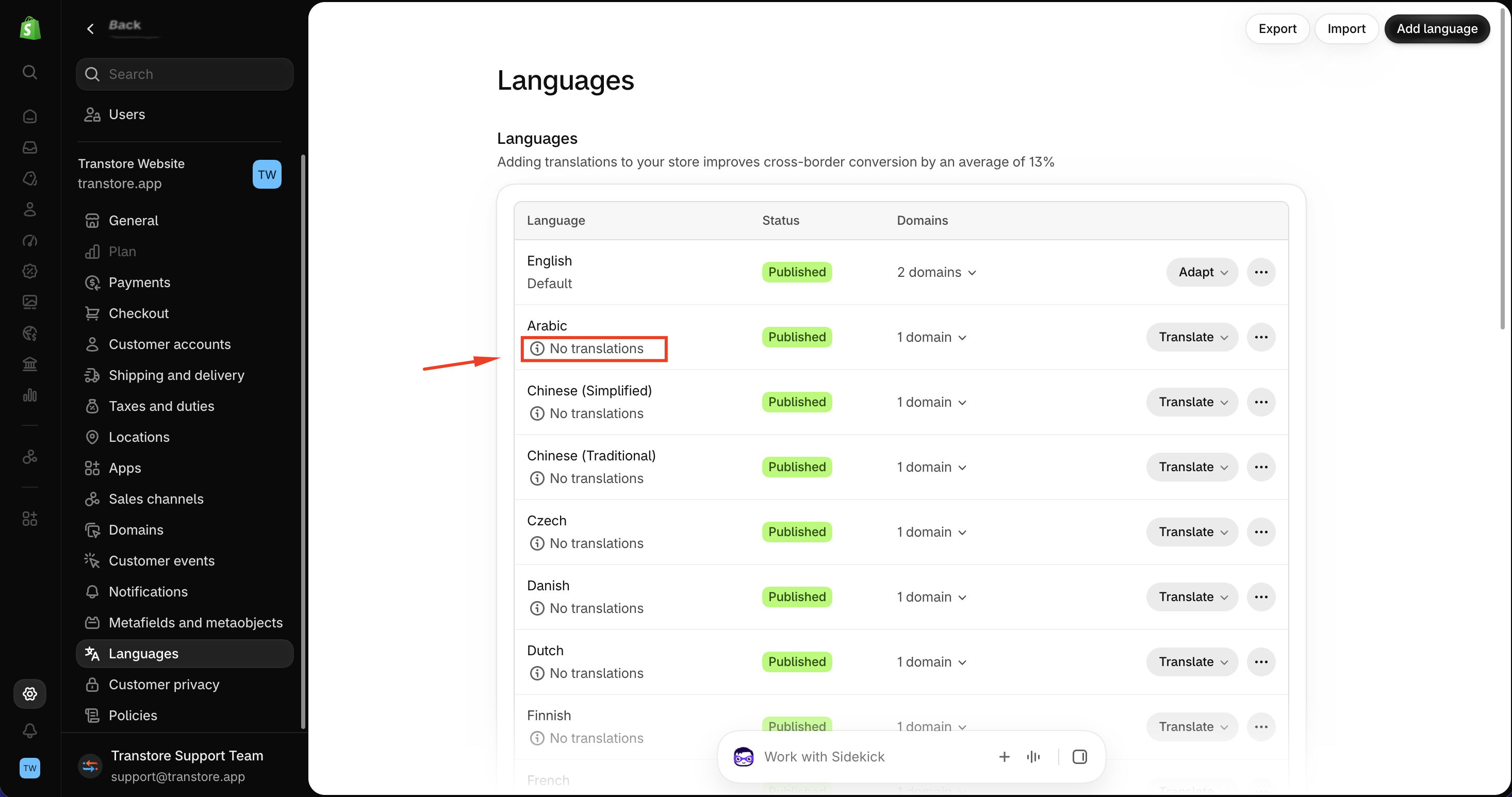
Why do I see “No translations” in Shopify’s language settings?
Transtore uses Auto translation to translate your storefront automatically, helping you save time without having to create and manage translations for each piece of content.
These translations appear directly on your storefront but are not saved to Shopify. This is why Shopify may show “No translations” even though customers can browse your store in their selected language.
To learn more, see How does Auto translation work in Transtore?.
How can I save translations to Shopify?
If you want to save or edit specific translations:
- Open Transtore → Language.
- Click Manage language for your target language.
- Open the content you want to translate.
- Enter your own translation or select Improve translation with AI, then save.
These translations are saved to Shopify, allowing Shopify to recognize them and update the translation status.
For detailed instructions, see Improve translations with AI.
If you need a hand creating or saving translations, please contact us at support@transtore.app. We’ll be happy to help you get started.